Internet, reserved for your business.
A dedicated, symmetric fiber connection to the internet for your office, with static IPs and a path protected by our ring network.
- Symmetric
- 1:1
- Static IPs
Overview
An internet leased line gives your business its own lane to the internet. The bandwidth you choose is yours alone, the same in both directions, and does not slow down when the neighbourhood logs on.
We survey your premises, bring fiber to your building, install and configure the equipment, then watch the link from our network operations centre. Asia Fibernet has delivered more than 2,500 leased lines.
Ideal for
- Offices that run on cloud apps, voice and video
- Teams that upload as much as they download
- Servers, VPNs and firewalls that need fixed IPs
- Businesses that cannot afford a slow afternoon
Internet leased line
How it works.
A simple picture of what you get, and what stays yours.
Capabilities
What you get.
Symmetric bandwidth
The same speed up and down, so uploads, video calls and cloud backups never wait on downloads.
Dedicated 1:1 capacity
Your bandwidth is reserved for you alone, not shared with neighbours, so it holds steady at 11 a.m. and 9 p.m. alike.
Static IP addresses
Static public IP addresses for your servers, VPNs, firewalls and anything that needs a fixed address.
Ring-protected path
Delivered over our ring-designed network, so a single fiber cut has another way round.
Monitored round the clock
Your link is watched from our network operations centre, and our engineers respond on site when needed.
Room to grow
Start with the bandwidth you need today and step up as your team grows, on the same fiber.
- Contention
- 1:1, dedicated to you
- Speed
- Symmetric, same up and down
- Bandwidth
- Sized to your site and upgradeable
- Access
- Fiber to your premises
- IP addressing
- Static public IPv4 on request
- Monitoring
- 24×7 from our NOC
- Terms
- Uptime and support terms set in your proposal
Final bandwidth, terms and service levels are set out in your proposal.
How we deliver
From survey to live service.
- 01
Survey
We visit your premises, check the fiber route and understand how your team works.
- 02
Design
We recommend the service, bandwidth, route and equipment, and agree the terms with you.
- 03
Build
Our teams lay and splice the fiber, and install and configure the equipment.
- 04
Test and hand over
We test the link end to end and hand over the details, from IP addresses to test results.
- 05
Monitor
Our network operations centre watches your service round the clock, with engineers on call.
Questions
Internet leased line, answered.
What is an internet leased line?
A leased line is a dedicated internet connection reserved for one business, with the same speed in both directions. Broadband is shared between many users and is usually faster to download than to upload.
How long does installation take?
It depends on whether our fiber already reaches your building. We confirm a timeline after a site survey, before you sign anything.
Can I get static IP addresses?
Yes. Tell us how many static IP addresses you need and what they are for, and we will include them in your proposal.
Can I upgrade my bandwidth later?
Yes. Most customers start with what they need now and upgrade on the same fiber as they grow.
Related
Goes well with it.
 Point-to-point linksPrivate, managed fiber links between your offices, branches and data centre, so every site works like it is in the same building.PrivateManagedMulti-siteExplore
 Dark fiberUnlit optical fiber between your sites, for organisations that want to run their own network at whatever capacity they choose.Unlit pairsYour opticsAny capacityExplore
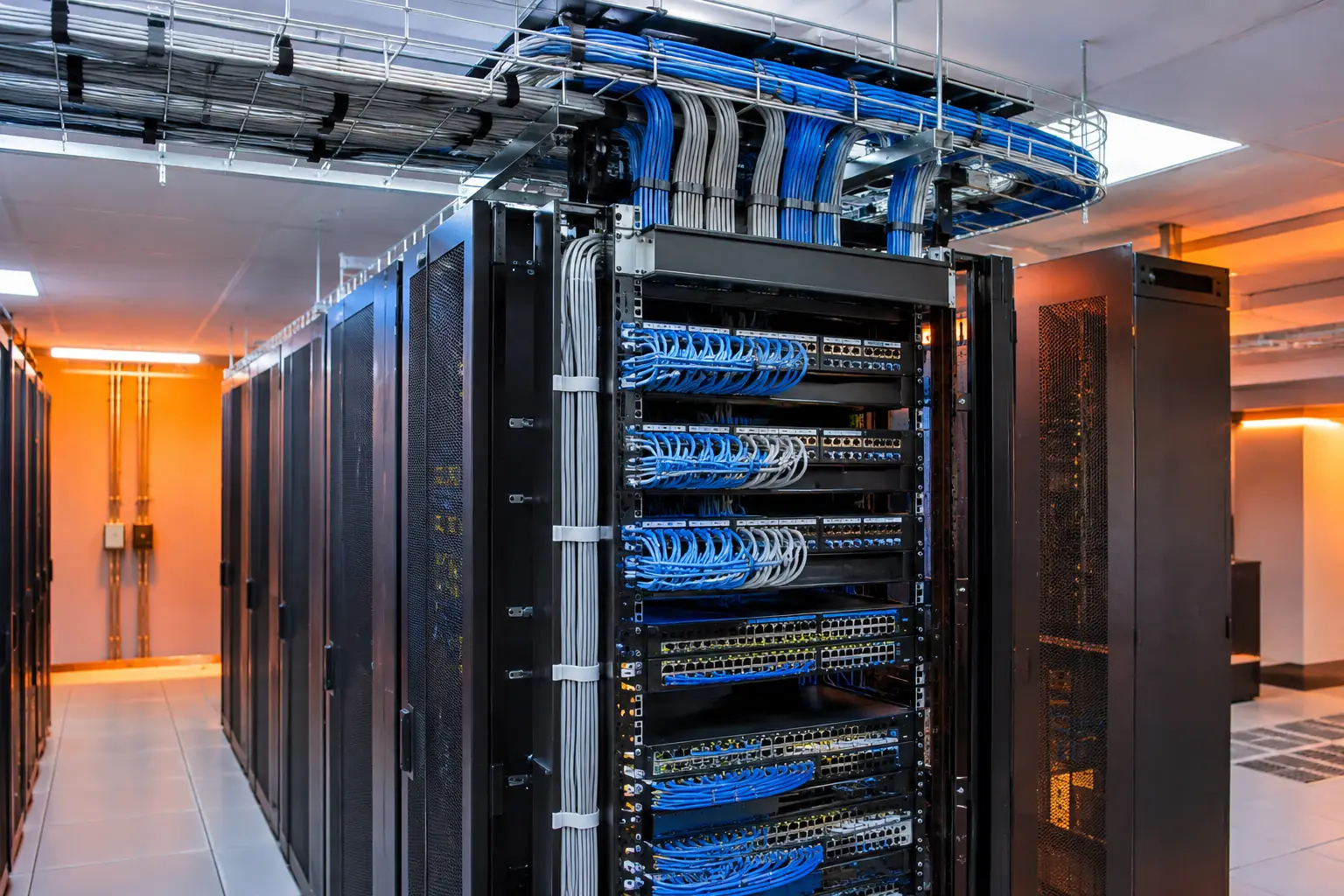 IT infrastructureStructured cabling, LAN, firewalls and smart classrooms, designed, installed and supported by the same team that runs your connection.CablingLANFirewallsExplore
Get a quote
Tell us about your sites.
Two minutes now saves a round of calls later. We reply with options, and a site survey if you need one.